

Cloud video surveillance records on site or on cloud connected recorders and manages every camera, user and alert through the vendor's cloud portal, so no central server is needed. NetraClos plans, installs and commissions cloud camera systems for multi site businesses and property managers.
Every camera, every property, one login
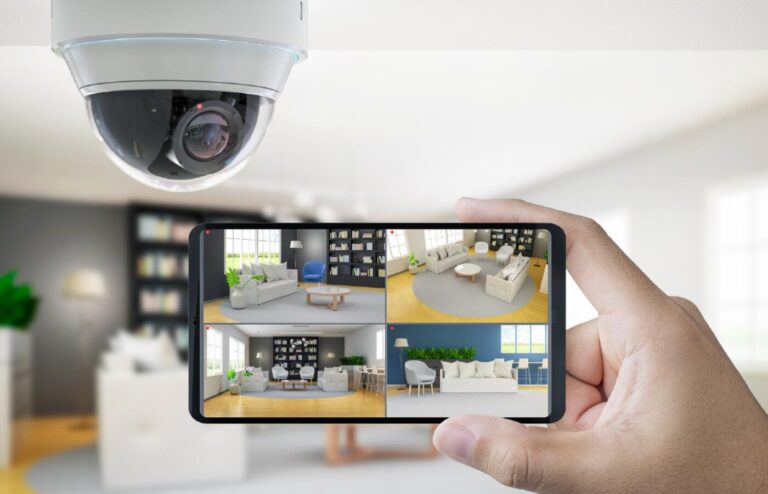
Open one portal and every property is there: live views, recorded footage, users and retention policies, administered from anywhere you happen to be. A new site comes online by registering its cameras, not by building another server room.
The footage itself is safer than any on site recorder can make it: stored off premises, it survives the recorder being damaged, stolen or tampered with. For multi property owners that is the difference between losing the evidence and already having it somewhere else. During an internet outage the bridging device keeps recording locally and syncs when the connection returns.

What the platform does
- Live and recorded viewing from a browser or a phone, wherever you are
- Every property in one place: entrances, parking, reception, back of house
- Storage and retention set centrally to your policy and compliance needs
- Analytics that surface people, vehicles and movement in restricted areas
- Alerts on the events you choose, so nobody watches screens all day
- Access by role, so a site manager sees their building and head office sees all of them
- Local recording that continues and syncs through an outage
- An upload bandwidth check before anything is committed to
Analytics is about not watching the video
Reviewing hours of footage to find one event is the real cost of a camera system. Analytics narrows it to the clips that contain a person, a vehicle or movement where there should not be any, so somebody looks at minutes instead of hours.
Alerts have to be worth trusting
An alert on every passing car gets muted within a week, and then it is not a system. We tune what raises a notification around what the site actually needs to know about, so the ones that arrive still get read.
Access by role, not by shared password
Security, property management and IT need different things, and a departing employee should lose access the same day. Permissions are set per role and per property, with a record of who viewed and exported what.
It should join up with the rest of the building
Video is most useful next to the door that opened, the intercom that was answered or the alarm that triggered. This works alongside access control, intercom, intrusion and visitor systems so an investigation is one timeline rather than four.
Where this earns its cost
Hotels and hospitality, multi property portfolios, retail, corporate offices, warehousing and property management. Anywhere somebody responsible for several buildings would otherwise be driving between them to review footage.
Cost scales with cameras and days, not with buildings
Cloud storage is priced on how many cameras you keep and how long you keep them. Longer retention on more cameras is where the cost grows, so retention is set deliberately rather than by default.

Upload bandwidth decides whether this works
Cloud recording needs sustained upstream, every hour the cameras are running. We measure what a building actually has before recommending this, because it is the single most common reason cloud video disappoints.

Simplified On-Site Infrastructure
Your deployment consists of standard IP networking, PoE switches, cameras and bridge appliances. Video management runs in the cloud, eliminating the need for a central management server while allowing the system to expand seamlessly as new cameras or locations are added.
Common questions
What is cloud video surveillance?
Cameras register through a cloud bridging device, and recording, storage, permissions and analytics are handled in the vendor cloud platform. You manage every property from one portal with no management server on site.
What happens to cloud cameras when the internet goes down?
Recording continues locally on the bridging device and synchronizes when the connection returns, so footage is not lost. Live remote viewing is unavailable during the outage.
Is cloud video surveillance secure?
Access is by named user with role based permissions, and footage stored off site stays available even if on site equipment is damaged, stolen or tampered with. We also verify your upload bandwidth before recommending cloud recording.
How much internet bandwidth do cloud security cameras need?
Cloud recording needs sustained upload capacity every hour the cameras run, and it scales with camera count and resolution. We measure what your building actually has before committing, because bandwidth is the most common reason cloud video disappoints. We assess sites across Mississauga, Toronto, Vaughan, Markham, Burlington and the rest of the GTA.
What does cloud camera storage cost depend on?
How many cameras you keep and how many days you retain. Longer retention on more cameras is where cost grows, so we set retention deliberately to your policy rather than by default.
Related articles
Commercial Security Camera Installation Cost: What Actually Drives It
Security Camera Resolution and Lens Choice: What Actually Matters
How to Calculate NVR Storage for Security Cameras, With an Example
Lorex vs Ring: Which Camera is Better?
What is 2D & 3D Dynamic Noise Reduction (DNR) in a Security Camera?
One team from design through commissioning
We cover the full project rather than turning up to install somebody else's design. That is what makes the result somebody's responsibility.
Design
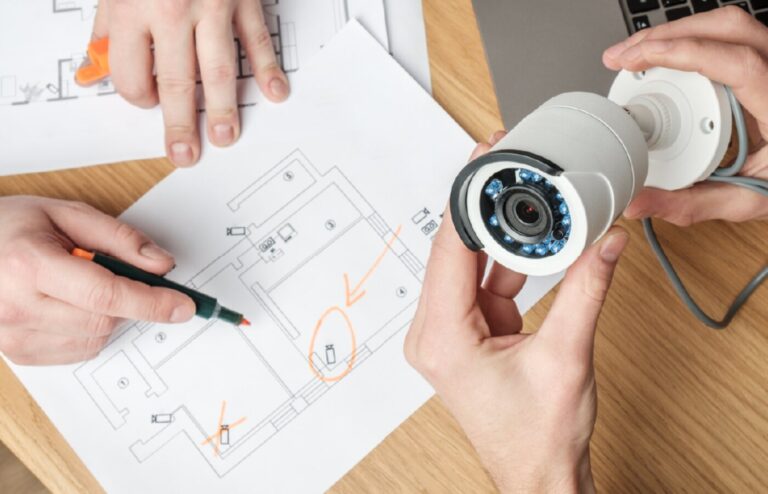
We walk the building, work out what it needs to do and produce a design you can actually price against.
Procurement
We source the equipment and stand behind what we specify, so there is one party accountable for it.
Installation
Our own crews on site for cabling, mounting, terminations and containment.
Commissioning
Everything configured, tested and handed over with the records, credentials and documentation.
Tell us about the building
Send us the site and what you are trying to solve. We will tell you what it realistically takes.
Our Partners


