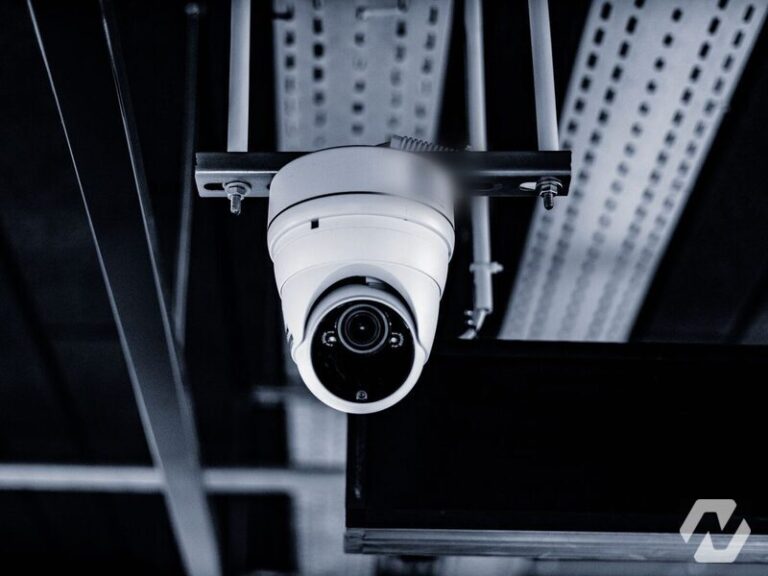
Read any camera datasheet and you will find DNR listed among the features, usually as 2D DNR or 3D DNR, rarely with any explanation. It matters more than its billing suggests, because noise reduction decides what your cameras record at night, which is precisely when you tend to need the footage.
What noise is
As light falls, a camera compensates by amplifying its sensor signal, and amplification brings grain: the fizzing, speckled texture across dark video. That grain does two kinds of damage. It hides detail, so a face or a plate dissolves into static. And because it changes in every frame, the camera’s compression treats it as motion, which inflates storage and drags down recorded quality across the board.
Digital noise reduction is the camera’s attempt to remove that grain before the video is compressed and stored.
2D DNR, the simple half
2D noise reduction works inside each single frame. It looks at neighbouring pixels and smooths away the speckle, roughly the way a photo app softens a grainy picture.
It is cheap to do and it works, at a price: smoothing does not know the difference between noise and fine detail, so aggressive 2D processing takes textures, edges and small features with it. Faces get waxy, text gets soft.
3D DNR, the clever half
3D noise reduction adds time. It compares each frame with the frames before it: whatever stays constant is treated as the real scene, whatever flickers randomly between frames is noise and gets removed. Static areas of the image come out dramatically cleaner while detail survives, which is why 3D DNR is the headline version.
Its weakness is motion. If the camera judges wrongly, moving objects can smear or trail ghosts behind them, and a person walking through a dark scene becomes a blur exactly where you wanted a face. Better processors make better judgements, which is one of the genuine differences between camera grades that share a spec sheet.
Why it matters for storage as much as image
Noise is invisible on the invoice but it is the most expensive thing a camera can record. Grain defeats compression, so a noisy camera can consume several times the storage of a clean one showing the same scene, or force lower quality settings to fit the same recorder. Effective noise reduction is as much a storage feature as an image feature, and on a system with weeks of retention it shows up in hardware cost.
What to actually look for
- Both types together, listed as 2D and 3D DNR, letting the camera use each where it works best
- Adjustable strength, because the right setting for a bright lobby and a dark yard are not the same
- Sensor and lens quality, since the less noise the camera produces, the less processing has to hide, and no amount of DNR rescues a poor sensor
- A night test in the real scene, watching moving people rather than an empty frame, because that is where ghosting reveals itself
Noise reduction is one of those features that separates cameras which look identical on paper. The proof is never on the datasheet. It is in dark footage of somebody walking, viewed at full size, from the actual mounting position.
This is why, on our own installs, the night test is part of the job rather than an optional extra. Before a camera position is signed off we look at dark footage from the actual mount, with someone walking through the scene, and we adjust noise reduction, exposure and bitrate together rather than trusting the factory settings. Often the biggest improvement is not a camera setting at all but a modest amount of lighting on the approach. Our commercial CCTV services treat image quality at night as the specification, and our camera system installation work sizes storage around cameras that have already been tuned to record cleanly.
Common questions
Should I turn DNR on or off on my security camera?
Leave it on, at a moderate setting, and check the result at night rather than in daylight. Turned off, low light footage will be grainy and will consume far more storage than it should. Turned up to maximum, faces and moving people can smear or lose detail. The right strength depends on the scene: a lit lobby can take a light touch, a dark yard needs more, and moving subjects are the test that reveals when it has gone too far.
What is the difference between DNR and WDR on a camera?
They solve different problems. Digital noise reduction cleans up grain in low light. Wide dynamic range handles scenes with very bright and very dark areas at the same time, such as an entrance where a sunlit doorway sits beside a dim interior, by balancing exposure so both remain visible. A camera covering a lobby often needs WDR by day and DNR by night, and good models shift their emphasis automatically as the light changes.
Does infrared night vision remove the need for noise reduction?
Not entirely. Infrared illumination gives the sensor more light to work with, so the camera needs less amplification and produces less noise close to the camera. Beyond the reach of the infrared, and in the darker corners of a wide scene, grain returns and noise reduction still does its work. Infrared also renders the scene in monochrome and can overexpose objects near the lens, so it complements DNR rather than replacing it.
Why does my camera footage still look grainy at night with DNR enabled?
Noise reduction can only hide so much. If the sensor is small, the lens is slow, the frame rate is high or the bitrate is set too low, the camera is starting from a poor signal and no processing will fully rescue it. Very wide lenses also spread the little available light thinly across the sensor. Adding scene lighting, lowering the frame rate for night, and raising the recording bitrate usually help more than any further DNR adjustment.
If your cameras look fine at noon and useless at midnight, our commercial CCTV team can assess the positions and settings and put it right. Get in touch to arrange a review.