

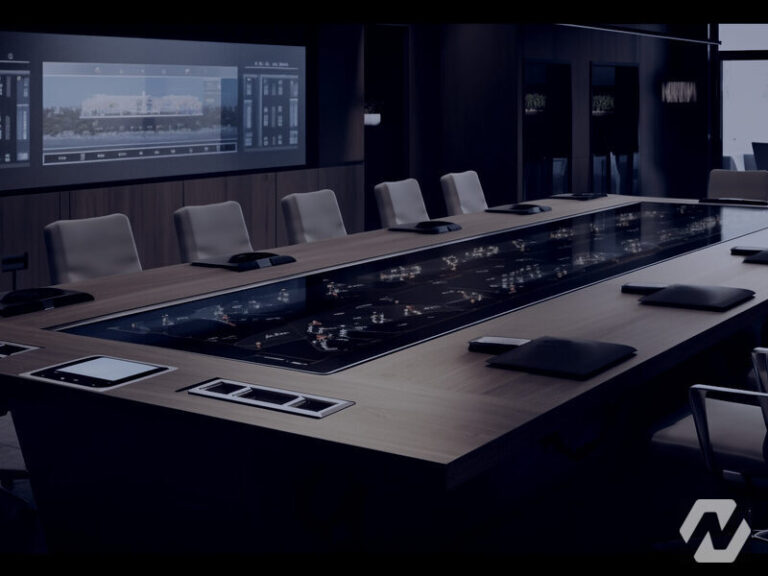
A boardroom audio visual setup for twelve or more people brings dual displays, ceiling microphones, a controllable camera, tuned audio and a control interface anyone can use. NetraClos designs, installs and commissions the complete room, with more tuning and testing than any smaller room type.
Commissioning is most of the value here
A boardroom has enough equipment that installing it is the straightforward part. Making it behave as one room, so a person can walk in and start without help, is where the work is.
Audio is tuned in the finished room with the furniture in place, because glass, tables and soft finishes all change what the microphones hear. Tuning before the room is finished proves nothing.

What goes in
- Dual displays so people and content each have a screen
- Controllable camera that can frame whoever is speaking
- Ceiling microphones planned across the seating
- Room audio tuned in the finished space, with furniture in
- A control interface simple enough to use without instruction
- Wired and wireless content sharing for guests
Somebody senior will use it without asking anyone
The control interface is designed on that assumption. If it needs explaining, it is wrong, no matter how capable the equipment behind it is.

Ceiling microphones keep the table clear
At this size microphones move to the ceiling: nothing on the table to knock or unplug, coverage planned across the seating, and a room that stays presentable.

Guests will plug in something we have never seen
A boardroom takes laptops nobody controls, on operating systems nobody chose. Wired and wireless presentation both work, and the room recovers by itself when somebody unplugs mid meeting instead of needing a reset.
Executive rooms, engineered discreetly
Boardrooms carry the meetings a business cannot afford to repeat. Redundant signal paths, wired fallbacks for wireless conveniences, and control simplified to one obvious action per intent, engineering hidden behind restraint.
Displays are sized to AVIXA DISCAS for analytical viewing, because board packs are spreadsheets, not cinema.
Common questions
What AV does a boardroom need?
Dual displays so people and content each have a screen, a controllable camera that frames whoever is speaking, ceiling microphones planned across the seating, and a control interface simple enough to use without instruction.
Why two displays in a boardroom?
One carries the people and one carries the content. Squeezing both onto a single screen is what makes remote participants feel like an afterthought.
How long does boardroom commissioning take?
Longer than the installation, deliberately. Making the equipment behave as one room, tuned with the furniture in place, is where the value is.
Can executives run the boardroom without help?
That is the design test. If the control panel needs explaining, it is wrong, no matter how capable the equipment behind it is.
Do you build boardrooms for companies in the GTA?
Yes. We design, install and commission boardrooms for companies across Toronto, Mississauga, Brampton, Oakville, Vaughan and the wider GTA. Boardroom projects usually start with a visit to the room itself, because ceiling height, glazing, table shape and where people actually sit decide the microphone and camera choices, and that visit is far easier when the room is close to our Mississauga base. Boardrooms further afield in Ontario are handled case by case.
Related articles
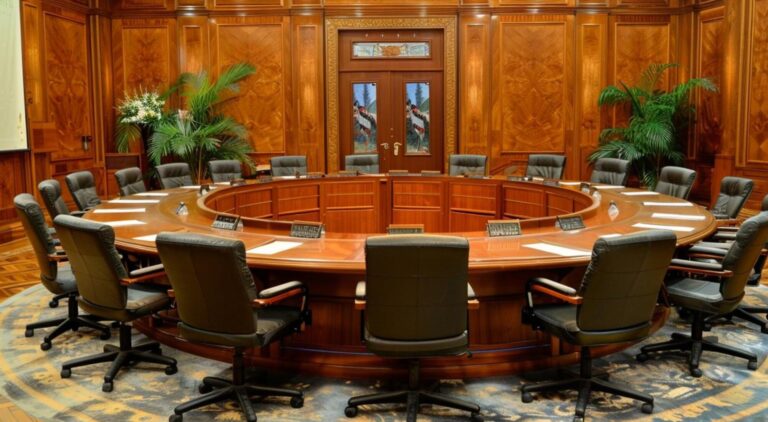
What a Boardroom Video Conferencing System Needs to Work Every Time
The Role of Encrypted AV in Compliance & Risk Management
Why Secure AV Matters for Canadian Banks in 2025
Top 5 Conference Room Technologies Transforming Canadian Businesses in 2025
Huddle Rooms vs Large Boardrooms – Which Meeting Space Does Your Business Need?
One team from design through commissioning
We cover the full project rather than turning up to install somebody else's design. That is what makes the result somebody's responsibility.
Design
We walk the building, work out what it needs to do and produce a design you can actually price against.
Procurement
We source the equipment and stand behind what we specify, so there is one party accountable for it.
Installation
Our own crews on site for cabling, mounting, terminations and containment.
Commissioning
Everything configured, tested and handed over with the records, credentials and documentation.
Tell us about the building
Send us the site and what you are trying to solve. We will tell you what it realistically takes.
Our Partners


