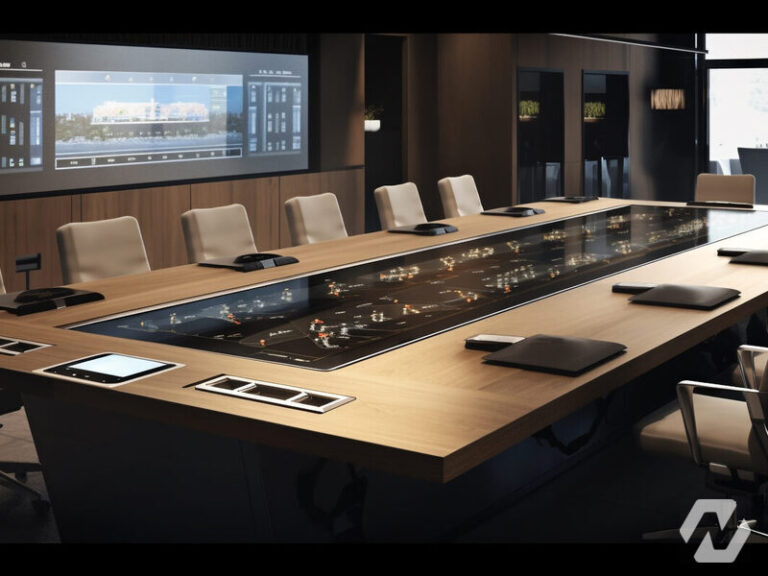
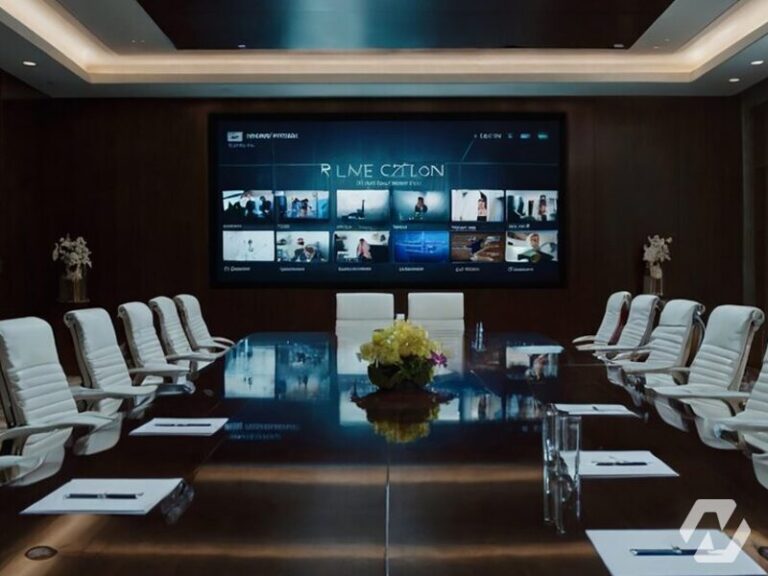
The boardroom has a large screen, a webcam balanced on top of it and a speakerphone in the middle of the table, and every important call begins with five minutes of somebody’s laptop refusing to find the display. The fix is not a better webcam. A boardroom video conferencing system is a set of decisions about cameras, microphones, display, control, acoustics and cabling that must be made together, so the room joins a meeting the same way every time.
Camera and framing
The camera’s job is to show the far end who is speaking and how the room is reacting. In a long boardroom a single wide camera at the display end makes everyone at the far end of the table tiny, so modern rooms use cameras with automatic framing that zoom to the group, or speaker tracking that switches to whoever is talking, and larger rooms add a second camera at the opposite end so remote participants see faces when someone presents. The camera should sit at or just below the display, near seated eye level, so that people appear to be looking at the remote participants rather than down at them.
Microphones and speakers
Audio decides whether a meeting is usable; poor video is tolerated, poor audio is not. Table microphones sit close to the talkers and pick up voices well, but they also pick up paper shuffling, coffee cups and laptop fans, and they clutter a table that has to be cleared for other uses. Ceiling microphone arrays keep the table clean and cover the whole room from above, at the price of a slightly more distant sound and more sensitivity to noisy air handling. Many boardrooms use ceiling arrays with beamforming, which steer electronically towards the active talker; the choice usually comes down to how the room is used and how the ceiling is built.
Whichever microphones are chosen, a digital signal processor between them and the conferencing platform handles echo cancellation, noise reduction and levelling so that the far end hears one clean voice at a time. Speakers should be placed so the remote voice appears to come from the display, and sized so the far end of the table hears clearly without the near end being blasted.
Display, room control and one-touch join
The display must be large enough for the person in the farthest chair to read a spreadsheet, which in a deep boardroom often means a larger panel than instinct suggests, or two panels so that people and content each get their own screen. Mounting height should keep the centre of the image near seated eye level, and the display should sit on the short wall so that nobody is looking sideways for an hour.
Room control is where the laptop-on-the-table problem is solved. A dedicated room system, with a touch controller on the table that shows the calendar and offers a single join button, means the meeting starts when someone taps it. Content is shared wirelessly or through a single cable at the table, and the same controller adjusts volume and camera. The room should be joinable without anyone touching a personal computer, while still allowing a guest to plug in a laptop when they must. Our boardroom AV systems are designed around that one-touch experience.
Acoustics, lighting and the room itself
Glass walls, hard tables and bare ceilings make a room echo, and echo is what makes remote participants ask people to repeat themselves. Acoustic panels, a soft ceiling, a carpet or even heavy blinds bring the reverberation down to a level microphones handle well, and the time to add them is during the fit-out. Quiet air handling at the microphone positions matters as much as anything else in the ceiling.
Lighting should fall on faces from the front, not from a bright window behind the table, which turns everyone into a silhouette. Dimmable, even lighting on the seating area, with the window controlled by blinds, transforms camera quality more than any camera upgrade.
Cabling and network
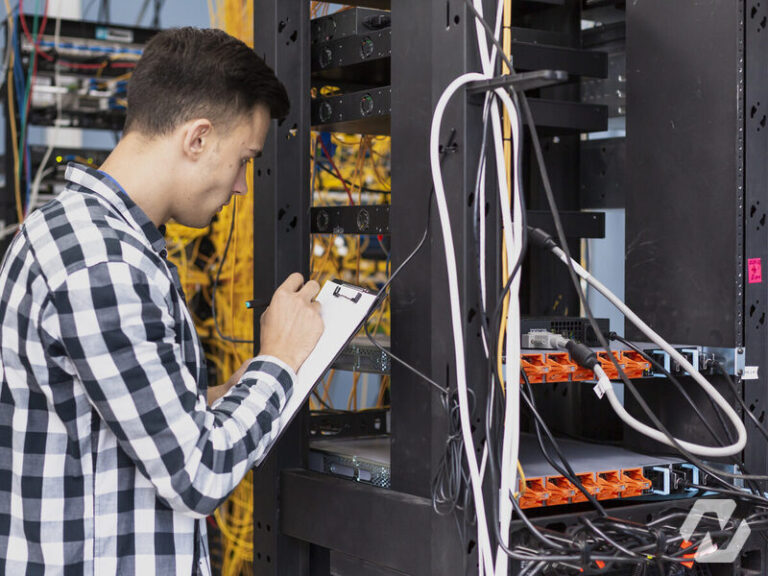
The room needs its own network drops for the room system, the touch controller, the display and any cameras, ideally on a dedicated network segment with quality of service so that a large file transfer elsewhere in the office does not break up the audio. Cabling from the table to the display wall should be run in conduit or floor boxes during construction, since a boardroom with cables taped across the carpet never feels finished. Video travels over category cable or fibre for longer runs, and cameras and controllers are usually powered over Ethernet. This is the same discipline we apply on smaller meeting room video conferencing projects, only with more of it.
Common questions
Ceiling or table microphones for a boardroom?
Ceiling arrays keep the table clear and cover the whole room, and they suit boardrooms that double as working spaces or where the table is reconfigured. Table microphones pick up voices more closely and are simpler where the ceiling is high, hard or full of noisy diffusers. Both need a digital signal processor for echo and noise handling. The decision should follow a look at the actual room, its ceiling and its air handling.
How big should the boardroom display be?
Large enough that the person in the farthest seat can comfortably read the smallest text they will be shown, which for detailed content is bigger than the size that merely looks good on the wall. Deep rooms benefit from two displays so that remote faces and shared content each get a full screen. An integrator sizes the display from the room depth and the type of content, not from what fits the budget line.
Do we still need a laptop to run the meeting?
Not with a dedicated room system. The room has its own conferencing device tied to its calendar, and a touch controller on the table shows the upcoming meeting with a single join button. Participants share content wirelessly or through one cable. Guests can still connect a laptop when needed, but the room no longer depends on whose computer is present or whether it finds the display.
Can our existing boardroom be upgraded rather than rebuilt?
Usually. Most upgrades keep the table, the display wall and often the display itself, and replace the camera, microphones, speakers and control with a proper room system on new cabling. Acoustic treatment and lighting can be added without construction. Where the room has no pathway from the table to the wall, floor boxes or a raised trunk may be needed, best planned around a quiet period.
If your boardroom is due for an upgrade or a new build, we will design the camera, audio, display, control and cabling as one system and commission it so it joins every meeting the same way. See our boardroom AV services, or get in touch and tell us about the room.