

A standalone NVR camera system is a network video recorder installed on site with cameras on the local network, managed through the software supplied with it, with no separate server or subscription. NetraClos designs, installs and commissions these systems for single buildings and smaller sites.
The recorder is sized, not guessed
Storage requirements are calculated, not estimated. Camera count, resolution, frame rate, recording schedule and retention policy all determine how much storage your system actually needs.
We perform the storage calculations before recommending any hardware, ensuring the system consistently meets your operational and compliance requirements. Whether your policy requires 14, 30, 60 or 90 days of retention, the recorder is specified to deliver the required capacity, not simply whatever storage happened to be included with the appliance.

What you get
- Recorder sized to the camera count, resolution and retention you need
- Cameras chosen per scene rather than bought as a bundle
- Continuous or motion based recording, set per camera
- Vendor provided free video management software, set up and tested
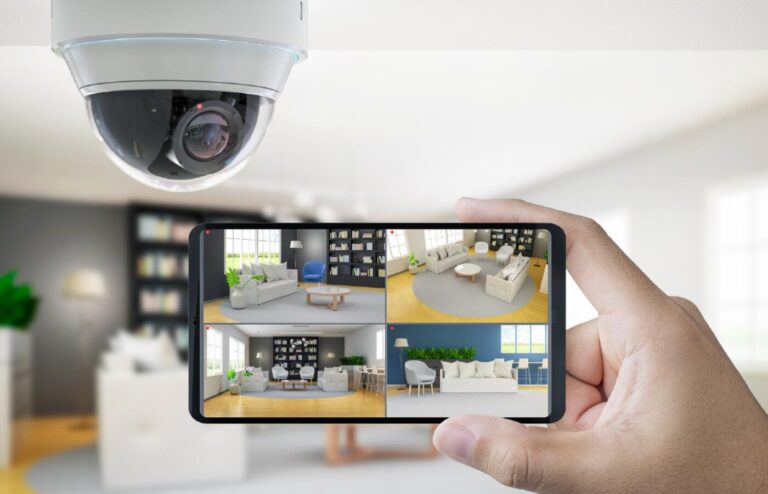
- Remote live view and playback from a computer, tablet or phone
- Smart search and video export for handing evidence over
- Power over Ethernet network built and tested as part of the same work
- Every view checked after dark, not only in daylight
Analytics without a server
People and vehicle detection, intrusion into a defined zone, line crossing and loitering run on the camera or the recorder itself. It is the same principle as the larger systems: a tree moving in the wind stops raising alerts while somebody crossing a boundary still does.
Remote access done properly
Getting to your cameras from outside the building should not mean a port left open to the internet. Remote viewing is set up so authorized people reach it and nobody else does, and it is tested from off site before handover.
Built so cameras can be added later
Recorder channels, switch ports and power budget are specified with room in them. Adding three cameras next year should be an afternoon, not a replacement recorder and a new switch.
Where it fits
Retail units, restaurants, single offices, warehouses, industrial units, parking areas and construction sites. Anywhere one building is the whole estate and one or two people review the footage.
When this stops being the right answer
Usually at the second building, or the first time somebody who is not on site needs footage quickly. Both are reasons to look at centralized management or cloud, rather than reasons this one was wrong.
It can join up with the rest of the building
Where it earns its place, the system is integrated with access control, intercom and alarm, so video sits next to the door that opened rather than in a separate world.

No licences, no subscriptions, no monthly fees
The vendor provided software that ships with the recorder handles live view, playback, smart search and export at no cost, ever. Your only ongoing expense is electricity. When you grow past one building, the same cameras step up to centralized or cloud management.

Coverage designed before anything is mounted
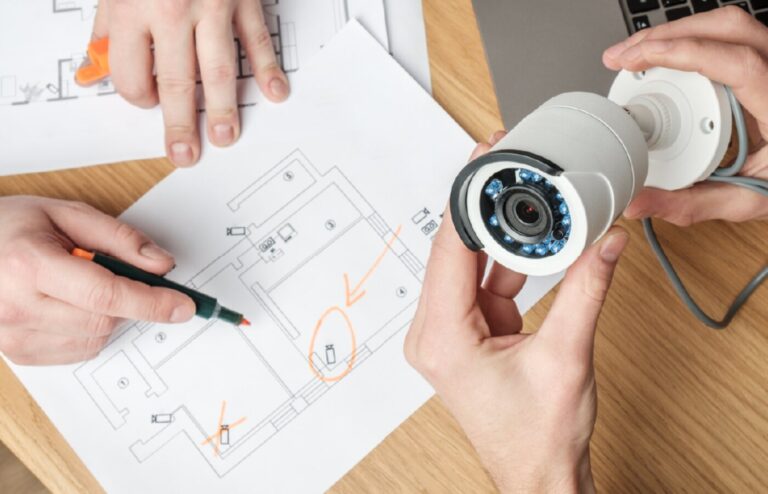
Where a camera goes is decided by what you need to see, and that is worked out on the drawings before a single bracket is fitted.
Common questions
How much does commercial security camera installation cost?
It depends on camera count, cabling runs and the recorder, which is why we survey first. A standalone NVR system for a single building is the most economical option because there are no licences or monthly fees, and we quote fixed after a site walk.
What is an NVR camera system and how does it work?
A network video recorder connects to IP cameras over the building network, records continuously or on motion, and stores footage locally. You view live or recorded video through the vendor provided free software on a computer or phone.
How many days of footage will my security cameras keep?
Retention depends on camera count, resolution, frame rate and storage size. We size the recorder to the retention you need, typically thirty days for commercial sites, so it never quietly overwrites early.
Can I view my business security cameras from my phone?
Yes. We configure secure remote viewing so authorized people can see live and recorded video from a phone, tablet or computer without exposing the system to the open internet.
Do you install security cameras for small businesses in the GTA?
Yes. We design, supply, install and commission camera systems for retail units, restaurants, offices, warehouses and industrial sites across Mississauga, Toronto, Brampton, Oakville, Burlington, Vaughan, Markham, Hamilton and the wider GTA, plus Montreal and Ottawa.
Related articles
Commercial Security Camera Installation Cost: What Actually Drives It
Security Camera Resolution and Lens Choice: What Actually Matters
How to Calculate NVR Storage for Security Cameras, With an Example
Lorex vs Ring: Which Camera is Better?
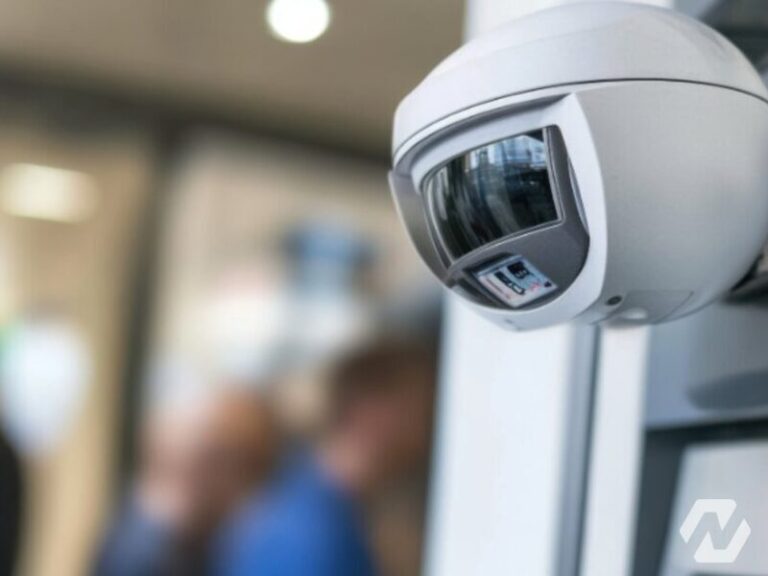
What is 2D & 3D Dynamic Noise Reduction (DNR) in a Security Camera?
One team from design through commissioning
We cover the full project rather than turning up to install somebody else's design. That is what makes the result somebody's responsibility.
Design
We walk the building, work out what it needs to do and produce a design you can actually price against.
Procurement
We source the equipment and stand behind what we specify, so there is one party accountable for it.
Installation
Our own crews on site for cabling, mounting, terminations and containment.
Commissioning
Everything configured, tested and handed over with the records, credentials and documentation.
Tell us about the building
Send us the site and what you are trying to solve. We will tell you what it realistically takes.
Our Partners


