

A huddle or focus room setup gives two to four people a single display, an all in one camera and audio bar and one touch join, so quick calls start without thought. NetraClos specifies, installs and commissions these rooms, usually as part of a wider office fit out.
Small enough that one device does everything
With everybody within about two metres, a single bar under the display handles the camera, the microphones and the speakers well. Splitting those into separate devices at this size adds cost and clutter without improving anything.
The room runs on one display, one bar and one cable to the table. That is deliberate: fewer parts means fewer things to fail in the room nobody books in advance.

What goes in
- Single display sized for a two to four person room
- All in one bar carrying camera, microphones and speakers
- Automatic framing so people are centred without anyone driving it
- One cable to the table for people bringing a laptop
- One touch join from a scheduled calendar entry
- Power, data and mounting done as part of the same work

They live inside noisy floors
A focus room sits in the middle of open plan noise. Microphone pickup is set tight to the table so the call does not carry the whole floor with it.

One cable on the table, and that is all
A single connection that charges the laptop and carries the camera and audio is what keeps a small room usable. Anything more becomes a drawer of adapters within a month, and then a room people avoid booking.
Small room, full engineering
Small rooms fail from neglect, not complexity: a display too small for the far wall, a bar that hears the corridor, a table with no power. We apply the same sizing standards and acoustic checks as boardrooms, scaled to four people.
The result is rooms people trust for real calls, which is what finally takes pressure off the big rooms.
Common questions
What is a huddle room?
A two to four person meeting space with a display and an all in one video bar, built to start a call in one press. They are the most used rooms in most offices and the least specified.
What video bar setup does a small room need?
One all in one bar carrying camera, microphones and speakers covers a room where everyone sits within about two metres. Splitting those into separate devices at this size adds cost without improving anything.
Can a huddle room work in an open office?
Yes, with microphone pickup set tight to the table so the call does not carry the floor, and the floor does not carry into the call.
Do huddle rooms need a wired laptop connection?
One cable to the table is worth having for guests and content sharing, alongside one touch join from the calendar.
How do we stop huddle rooms being booked and unused?
Room scheduling panels at the door showing free or busy remove most booking friction, and they are cheap to add while cabling is open.
Related articles
What a Boardroom Video Conferencing System Needs to Work Every Time
The Role of Encrypted AV in Compliance & Risk Management
Why Secure AV Matters for Canadian Banks in 2025
Top 5 Conference Room Technologies Transforming Canadian Businesses in 2025
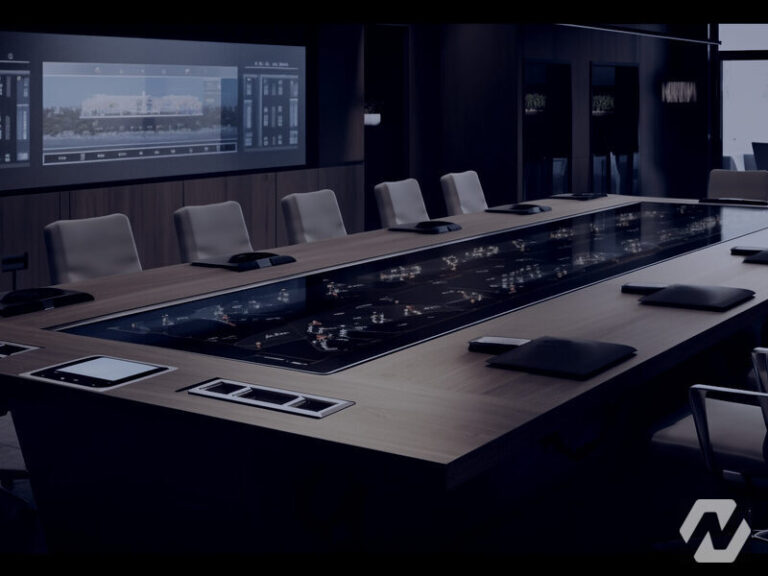
Huddle Rooms vs Large Boardrooms – Which Meeting Space Does Your Business Need?
One team from design through commissioning
We cover the full project rather than turning up to install somebody else's design. That is what makes the result somebody's responsibility.
Design
We walk the building, work out what it needs to do and produce a design you can actually price against.
Procurement
We source the equipment and stand behind what we specify, so there is one party accountable for it.
Installation
Our own crews on site for cabling, mounting, terminations and containment.
Commissioning
Everything configured, tested and handed over with the records, credentials and documentation.
Tell us about the building
Send us the site and what you are trying to solve. We will tell you what it realistically takes.
Our Partners


