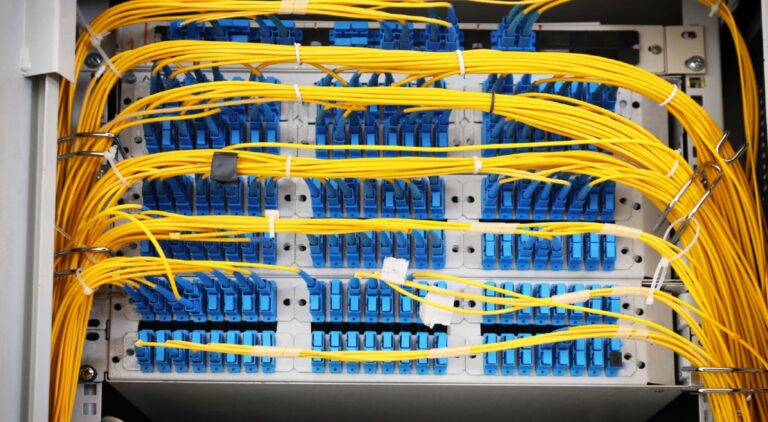
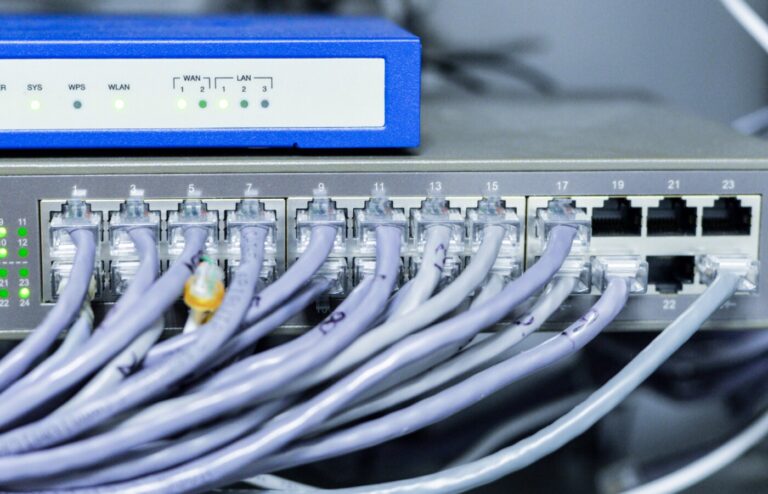
Every quote for building technology now seems to mention IOT somewhere, and it is worth knowing what the term actually covers before you sign one. The internet of things simply means devices that sense or control something physical and report over a network. Nothing more mysterious than that.
In a commercial building you already own more of them than you think.
What makes something an IOT device
Three ingredients: a sensor or an actuator, a network connection, and somewhere the data goes. A camera senses light and sends video. A thermostat senses temperature and switches equipment. A door controller senses a credential and releases a lock.
The important shift is that these used to be closed systems with their own wiring and their own panels. Now they ride the same network as everything else, which is both the appeal and the risk.
The five you actually meet in buildings
1. Network cameras
The most common IOT device in any commercial property. Each one is a small computer with a lens, powered over the same cable that carries its video. Modern cameras also analyze what they see, which turns them from recorders into sensors that can flag a person in a loading dock at 2am.
2. Smart thermostats and HVAC sensors
Temperature, humidity and occupancy sensors feeding a building’s heating and cooling. In hotels these tie into whether a room is sold and occupied, which is where the real energy savings live: not in one clever thermostat, but in hundreds of rooms that stop conditioning empty space.
3. Access control hardware
Readers, controllers and electrified locks. Every badge presented is a data point with a name, a door and a time attached, which is why access systems double as an audit trail of the building.
4. Environmental and safety sensors
Water leak sensors under pumps and tanks, temperature probes in server rooms and walk-in coolers, air quality sensors in meeting rooms. Cheap to install, and the first time one catches a burst fitting on a Saturday it has paid for the lot.
5. Room and display devices
Meeting room panels, wireless presentation devices and digital displays. Less glamorous than the rest, but they are networked computers in public spaces and need managing like everything else on this list.
The part the brochures skip
Every IOT device is a computer on your network, and it will be there for years. That has consequences.
- Default passwords have to change on day one, because factory credentials are the first thing anyone tries
- Devices need their own network segment, so a compromised display cannot see your cameras or your point of sale
- Firmware needs updating on a schedule, and somebody has to own that schedule
- Every device should be documented: where it is, what it talks to, and who supports it
Most IOT problems in commercial buildings are not exotic attacks. They are five year old devices nobody remembers installing, still running the software they shipped with.
Before you add more
The devices are rarely the constraint. The network is. Before adding another dozen sensors or cameras, it is worth checking that the switching has power and ports to spare, that the wireless can carry more clients where cabling does not reach, and that the network is segmented so new devices land in the right place rather than on the same flat network as everything else.
Done that way, IOT stops being a buzzword and becomes what it should be: a building that tells you what is happening inside it, and reacts before people have to.
Because every one of these devices ends up on the network, the network is where we start. When we plan a business network setup for a building that is adding cameras, sensors and room devices, each class of device gets its own segment, the switching is sized with spare Power over Ethernet capacity for the devices that will arrive next year, and every device is recorded with its location, address and support contact. Where cabling cannot reach, a properly designed business Wi-Fi network carries the sensors on a dedicated network of their own, kept well away from staff laptops and guest phones.
Common questions
Do IoT devices need their own Wi-Fi network?
They should have one. A separate network name and segment for building devices keeps a compromised sensor or display from reaching staff computers, cameras or the point of sale, and it lets you apply different rules to devices that never need the open internet. Many small sensors also only support the older 2.4 GHz band and simpler security, so giving them their own network avoids weakening the settings on the staff network to accommodate them.
Should IoT devices be wired or wireless?
Wire anything that stays in one place and matters, such as cameras, door controllers, thermostats in mechanical rooms and meeting room panels. A category cable with Power over Ethernet gives them a stable link and one clean power source. Wireless suits small battery sensors, devices that move, and places where a cable genuinely cannot reach. A building that wires the fixed devices leaves its wireless capacity free for the people who need it.
What happens to IoT devices when the internet goes down?
It depends on where the device does its thinking. Devices that work locally, such as an access controller with its own database or a camera recording to an on site recorder, keep functioning and simply cannot be reached from outside until the connection returns. Devices that depend on a cloud service for every action stop doing their job. For anything that controls a door, an alarm or a critical piece of equipment, prefer devices that keep working offline.
How do I find all the IoT devices already on my network?
Start with the switch: its port tables and the DHCP lease list show every device that has been talking, including ones nobody remembers installing. A network scan fills in the gaps, and walking the building with a floor plan catches anything on its own wireless network. The result becomes an asset register with location, address, firmware version and support contact for each device, which is the document that makes patching and replacement manageable.
Before you add the next batch of sensors, cameras or room devices, our business network setup team can make sure the network is segmented and ready to carry them. Contact us to plan it.